
Design Systems
brandkit
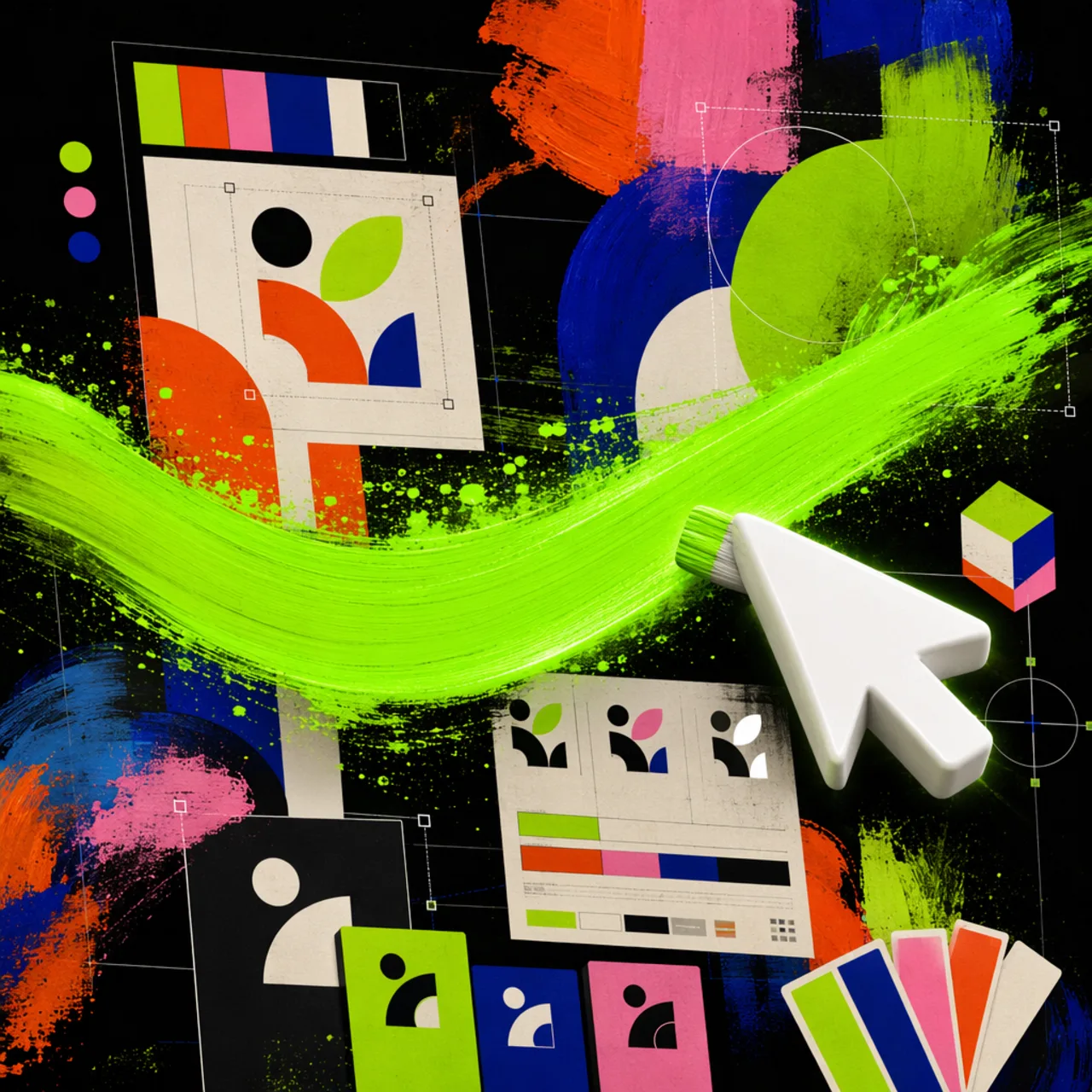
Generates brand guideline boards, logo systems, and identity decks as images.
What it is
An image generation skill for brand-kit boards. It produces logo systems, color and type panels, mockups, and atmosphere imagery arranged on a grid-based presentation board.
Premium brand-kit image generation skill for creating high-end brand-guidelines boards, logo systems, identity decks, and visual-world presentations. Trained for minimalist, cinematic, editorial, dark-tech, luxury, cultu
Why it matters for design
- A default 3x3 panel system covers logo, construction, color, type, and applications.
- Logo concepts follow a stated method such as monogram, metaphor fusion, or negative space.
- Boards carry rhythm: quiet, functional, emotional, and technical panels rather than uniform loudness.
What it covers
- Logo generation standard
- Logo concept methods
- Board composition DNA
- Default 3x3 panel system
- Visual modes
- Color discipline
How to install
brandkit
-
Clone the repo.
git clone https://github.com/Leonxlnx/taste-skill -
Point Codex at the skill file.
skills/brandkit/SKILL.md -
Then describe the UI you want. Codex follows the skill.
How to run it with Codex
-
Give the brand and category; the skill picks a visual mode first.
-
It defaults to a 3x3 board, or a 2x3 reference-style mini deck.
-
Keep text sparse: brand name, one tagline, one command, a few labels.
Every plugin here is free, open source, and links to its real upstream source.
More on the codex-design list ↗More Codex design plugins
 Frontend & UI What it does gpt-taste Builds award-style landing pages with GSAP scroll motion and gapless bento grids.
  Design Systems What it does Stitch Design Taste Writes a DESIGN.md that steers Google Stitch toward non-generic screens.
  Frontend & UI What it does image-to-code Generates design images first, analyzes them, then builds matching frontend code.
  Frontend & UI What it does imagegen-frontend-mobile Generates premium mobile app screen flows as images, not code.
 Next step
Design with OpenDesign, without the setup
Install this plugin yourself, or run a whole curated design layer around Codex with OpenDesign. Bring your own key, own your output.