FURTHER READING
Further Reading for Kilo
Tutorials, documentation and walkthroughs for designing with Kilo, as listed in the published guide.

 Kilo
Kilo  OpenDesign
 How to design interfaces with Kilo Code in OpenDesign: the model you choose, your own rules and modes, one product-page task from screenshot to reviewed file, and the limits to know before you start.

“A product page from a screenshot,
with whichever model I choose.”
THREE WAYS INTO THIS KILO GUIDE
This guide: brief, references, design rules and a reviewed HTML result.
Read this guide SETUPHere is the full path from a clean machine to a Kilo Code that can build and verify UI.
Go to setup COMPARISONHow Kilo differs from Codex, Claude Code, Cursor for design work, and when to choose another workflow.
See the comparisonOne Complete Kilo Design Task
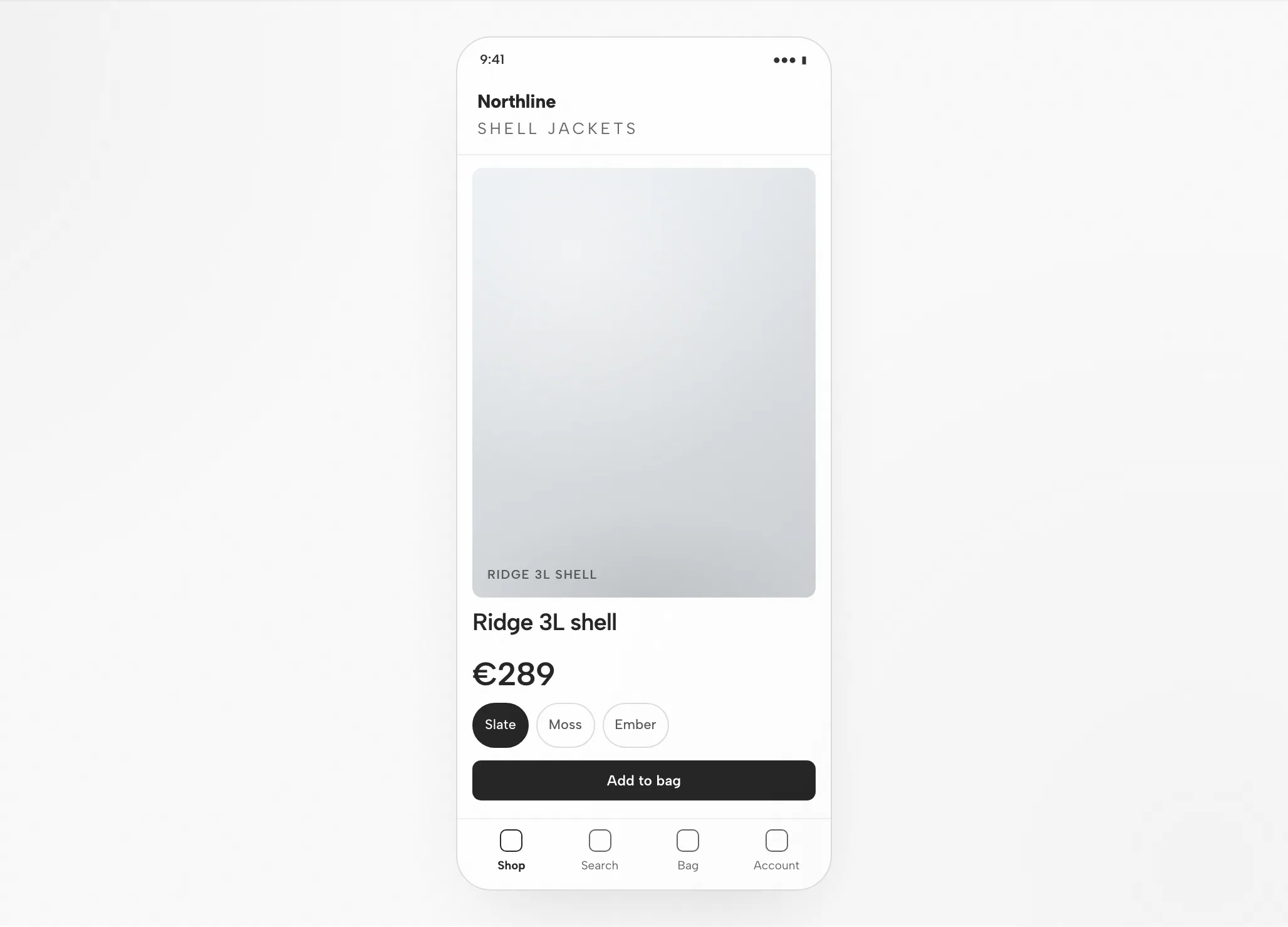
A single task, shown end to end: the brief and constraints you hand over, the artifact that comes back, and the checks you still run before it is done. The interface below is an illustrative example built for this page, not a recorded Kilo run.
BriefDesign a product detail page for an outdoor brand from the attached screenshot: gallery, price, size and colour options, add to bag, and related products. Desktop and phone.
data-od-id hooksWrite the brief, select the design system and define the acceptance criteria.
Plans the layout, writes the HTML, CSS and JavaScript and revises it on request.
Provides the design system and skill, renders the preview and stores every version as a file in the project.
Visual hierarchy, spacing on the 8px grid, both breakpoints and every interaction are checked before handoff.
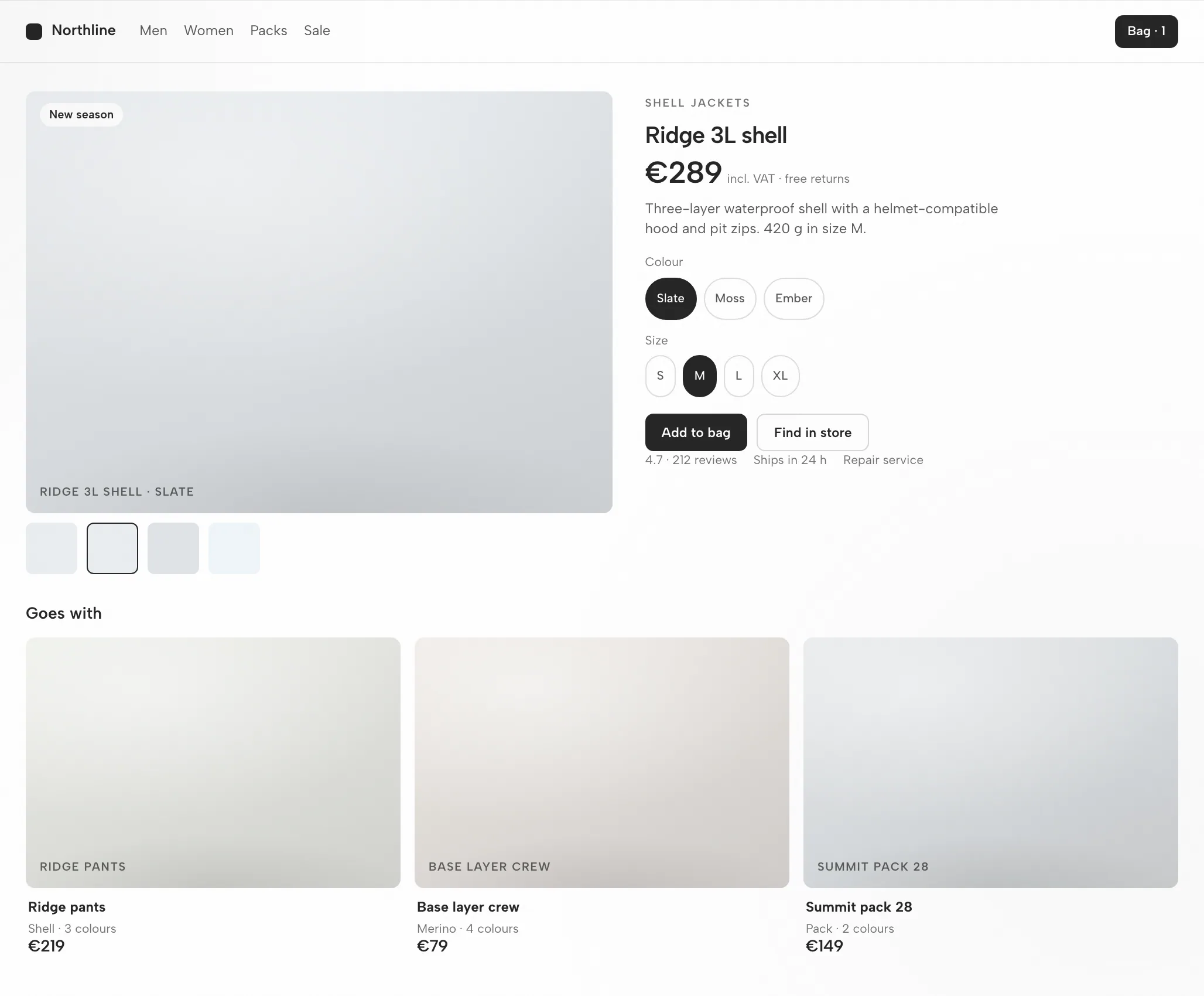
Gallery and info on the 8px grid; the info column never exceeds the gallery height at 1440.
Name, price, then options; the accent marks the add-to-bag button only.
Gallery first, then name and price, options, a full-width button; related products scroll.
Switch a thumbnail, pick a size, add to bag, scroll related items.
Fit
Compatibility
This guide covers Kilo as connected through the OpenDesign desktop app. Published references checked on 6 September 2026.
Kilo Code is an open-source AI coding agent from Kilo Code, Inc. It runs in VS Code, JetBrains IDEs, and the terminal, reading your codebase, editing files, and running commands. This page is about designing interfaces with Kilo through OpenDesign, not about Kilo’s own interface. OpenDesign’s setup notes list the available agents.
Your own provider API key (BYOK) or Kilo's gateway. Authenticate with your own provider key (BYOK) or Kilo's gateway — credentials stay on your machine. This page does not promise a quota or price.
Check the download page for desktop builds. The Node.js and pnpm requirements in the source quickstart apply to running from source, not to installing a desktop package. Minimum compatible Kilo version: not verified here.
Follow the connection instructions shown by your installed version, then run a small task. Confirm that Kilo handled it and that the artifact opens. A download alone does not establish a working connection.
Start with the desktop app
Download first, complete the Kilo setup for your installed version, then check a small result. You do not need to build OpenDesign from source to follow this path.
Choose the package for your computer, install it and open the app.
Download OpenDesignFollow the Kilo instructions in your installed version. Authenticate with your own provider key (BYOK) or Kilo's gateway — credentials stay on your machine.
Kilo Code documentation# 1. Install the Kilo Code extension from the VS Code
# (or JetBrains) marketplace, or install the CLI.
# 2. Open your project and sign in / add a provider key
cd your-project
kilo # connect your provider (BYOK) or Kilo's gatewayFrom the Kilo setup notes in the published guide; check the vendor documentation for the current command.
Use a small brief so you can judge the whole loop, including one revision.
Build a settings screen with a profile form and a save confirmation. Use my design rules. Check it at desktop and mobile widths.
To run OpenDesign from source, follow the technical quickstart instead.
The Kilo design workflow
The same product page task, followed from brief to verified file. Each step lists what you provide, what Kilo does, what OpenDesign contributes and what you check.
Plain language, three to six lines. Name the audience, the job of the screen and the platforms.
A design system and a few hard rules. This is what separates on-brand output from a generic look.
Kilo writes a self-contained HTML file: layout, styles, interactions and stable hooks.
The file renders inside OpenDesign at the widths you asked for. This is where the design is judged.
data-od-id targets for comments and edits.Request changes by pointing at elements in the preview. Every revision is a new file; nothing is overwritten silently.
Resources
Tutorials, documentation and walkthroughs for designing with Kilo, as listed in the published guide.
The artifact types Kilo can produce in OpenDesign, one skill per type.
Brand tokens and components to bind before Kilo generates anything.
Starting points for decks, landing pages and product screens.
Limitations
FAQ
Start with a small task, judge the round trip, then bring the real brief. Choose the option that matches your setup; the page does not detect it.