
Design Systems
Glass Dark Mode Clock
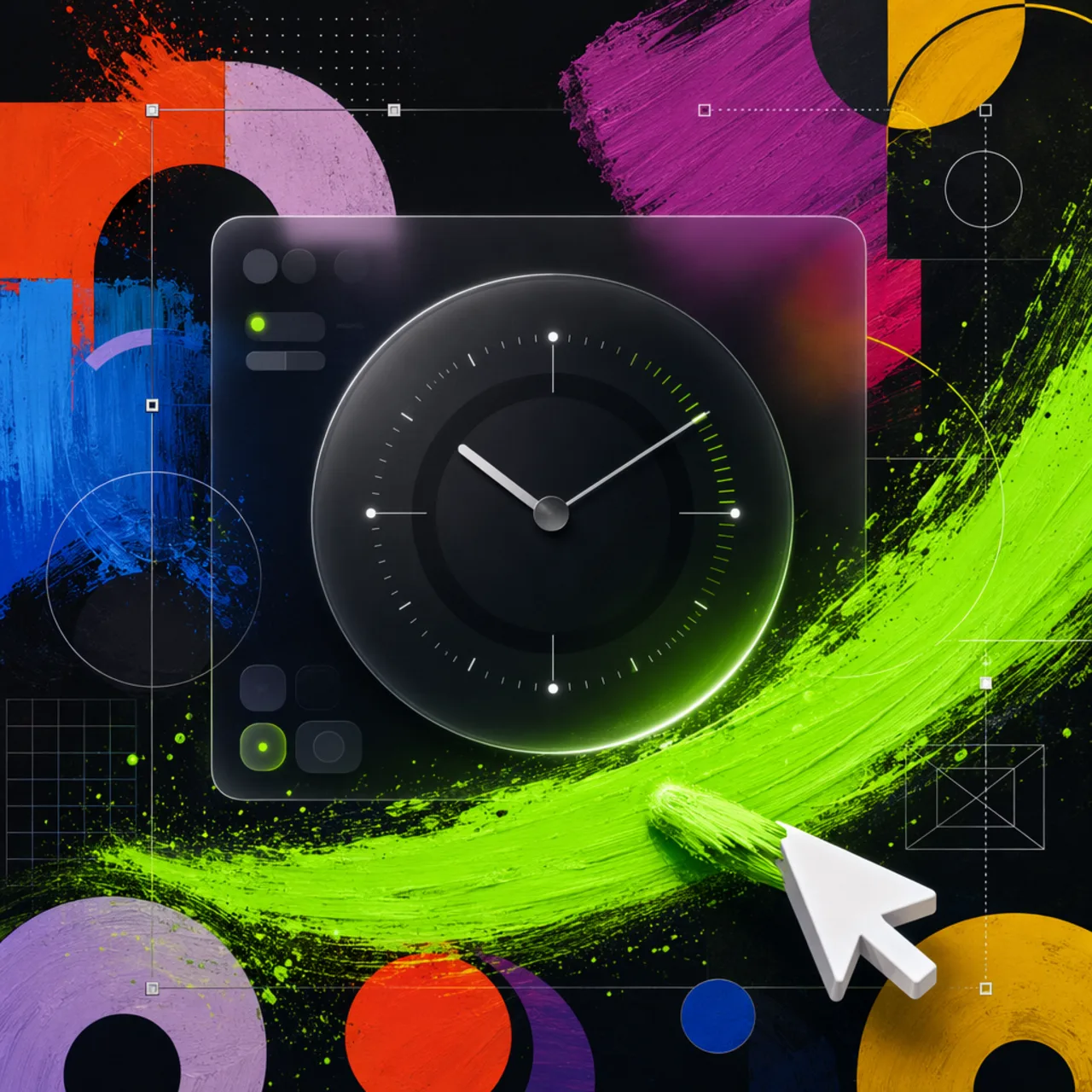
Dark frosted surfaces built around a circular calibration dial.
What it is
A dark glass direction centered on a clock-like dial: near-black base with beam grids, frosted nav capsules, and a layered ring and tick centerpiece.
Create a dark glass design system with frosted shells, soft beam grids, circular clock-like calibration dials, and precise sci-fi instrument framing.
Why it matters for design
- A dominant dial anchors the layout instead of sitting as a decorative widget.
- Beam lines and crosshairs align to the dial, reinforcing the calibration logic.
- Monochrome palette means brightness comes from glass highlights, not saturated accents.
What it covers
- Scope
- Visual target
- Implementation guidance
- Recommended patterns
- Tuning knobs
- Avoid
How to install
Glass Dark Mode Clock
-
Clone the repo.
git clone https://github.com/MengTo/Skills -
Point Codex at the skill file.
agent-skills/web-design/glass-dark-mode-clock/SKILL.md -
Then describe the UI you want. Codex follows the skill.
How to run it with Codex
-
Start with a near-black base plus faint grid and beam guides.
-
Build nav, pills, and buttons as dark glass capsules with 1px highlight wrappers.
-
Layer the dial: outer ring, ticks, rotating labels, center emblem.
Every plugin here is free, open source, and links to its real upstream source.
More on the codex-design list ↗More Codex design plugins
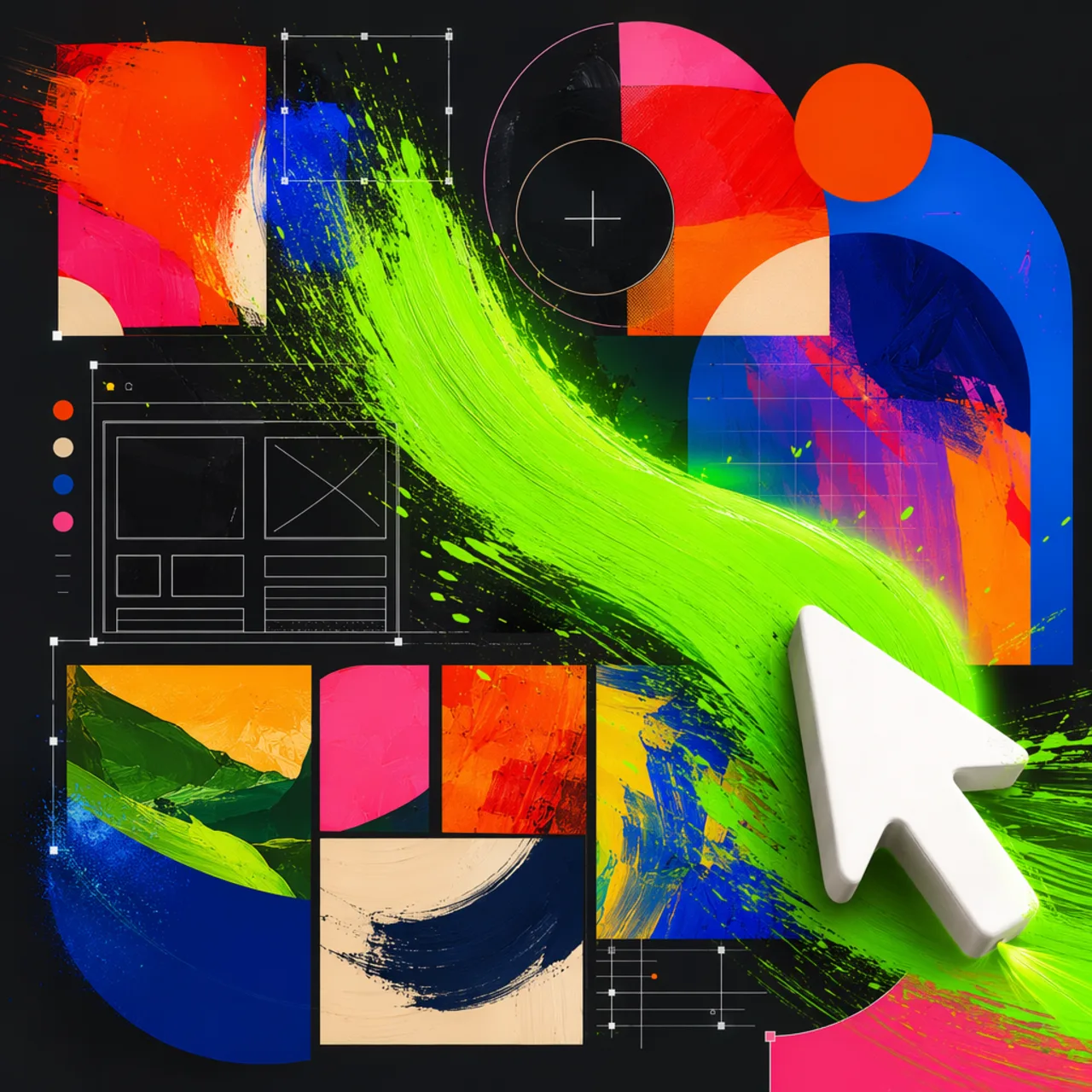 Frontend & UI What it does gpt-taste Builds award-style landing pages with GSAP scroll motion and gapless bento grids.
  Design Systems What it does Stitch Design Taste Writes a DESIGN.md that steers Google Stitch toward non-generic screens.
 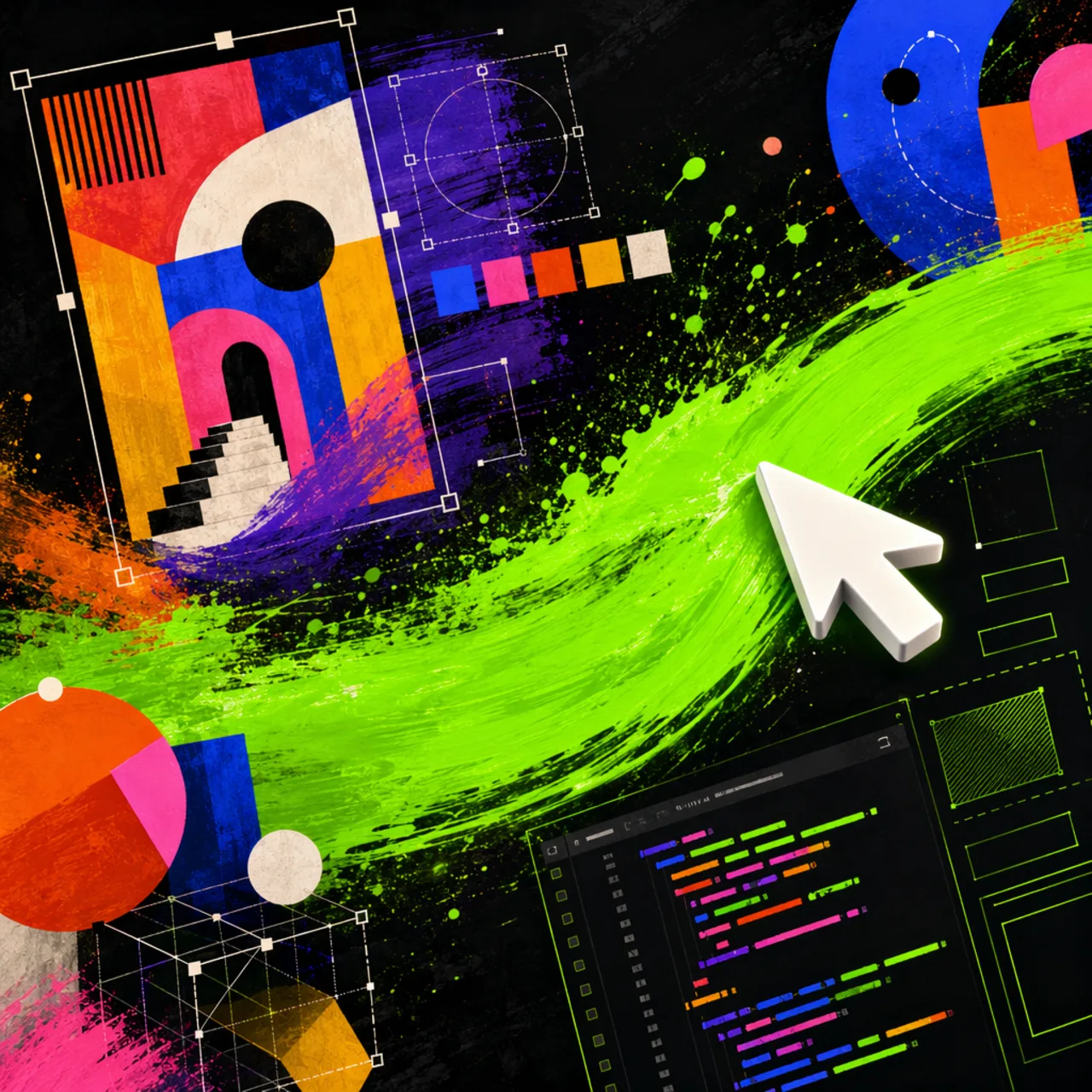 Frontend & UI What it does image-to-code Generates design images first, analyzes them, then builds matching frontend code.
 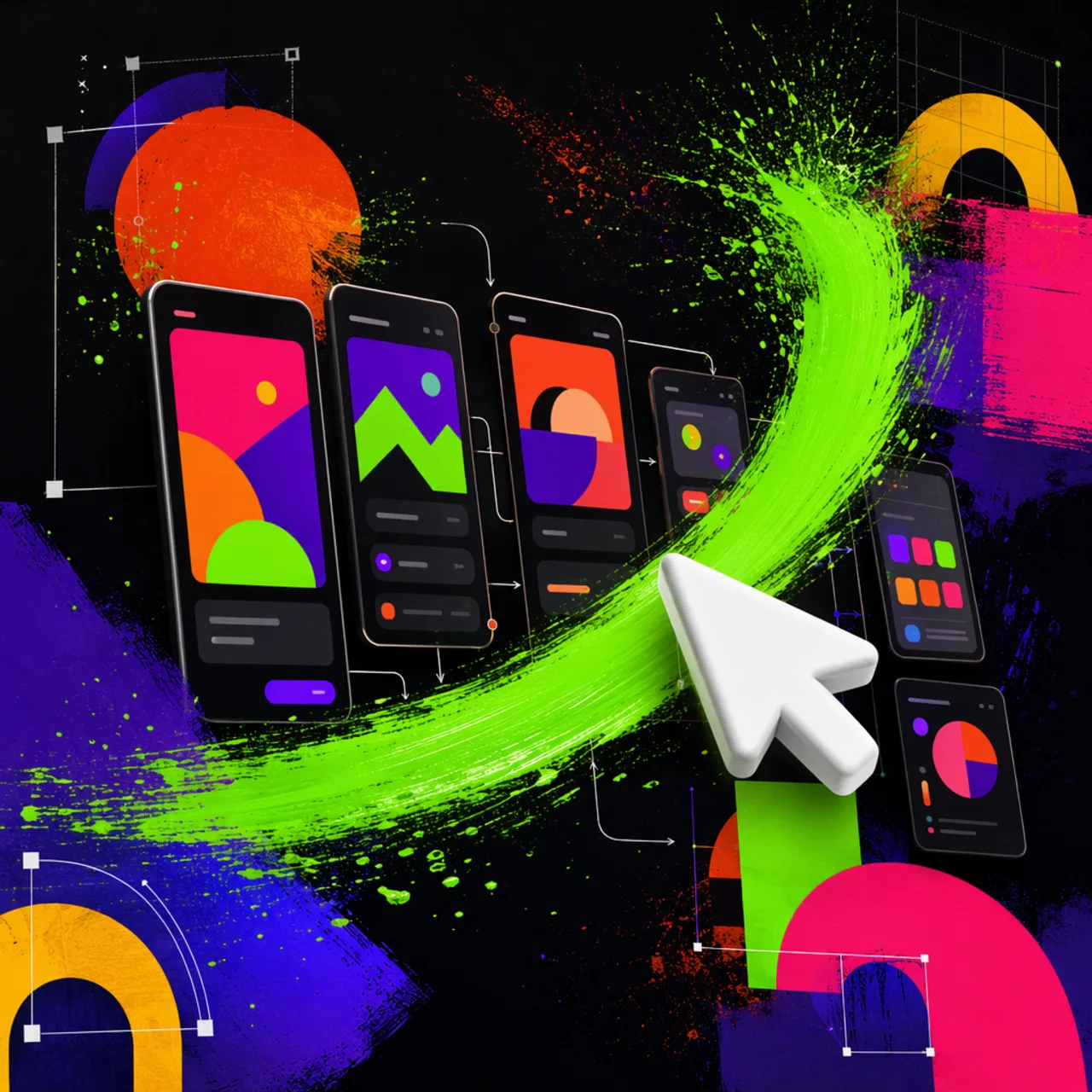 Frontend & UI What it does imagegen-frontend-mobile Generates premium mobile app screen flows as images, not code.
 Next step
Design with OpenDesign, without the setup
Install this plugin yourself, or run a whole curated design layer around Codex with OpenDesign. Bring your own key, own your output.