
Design Systems
UI-UX Pro Max · Design
One entry point routing logo, identity, slides, banner and icon work.
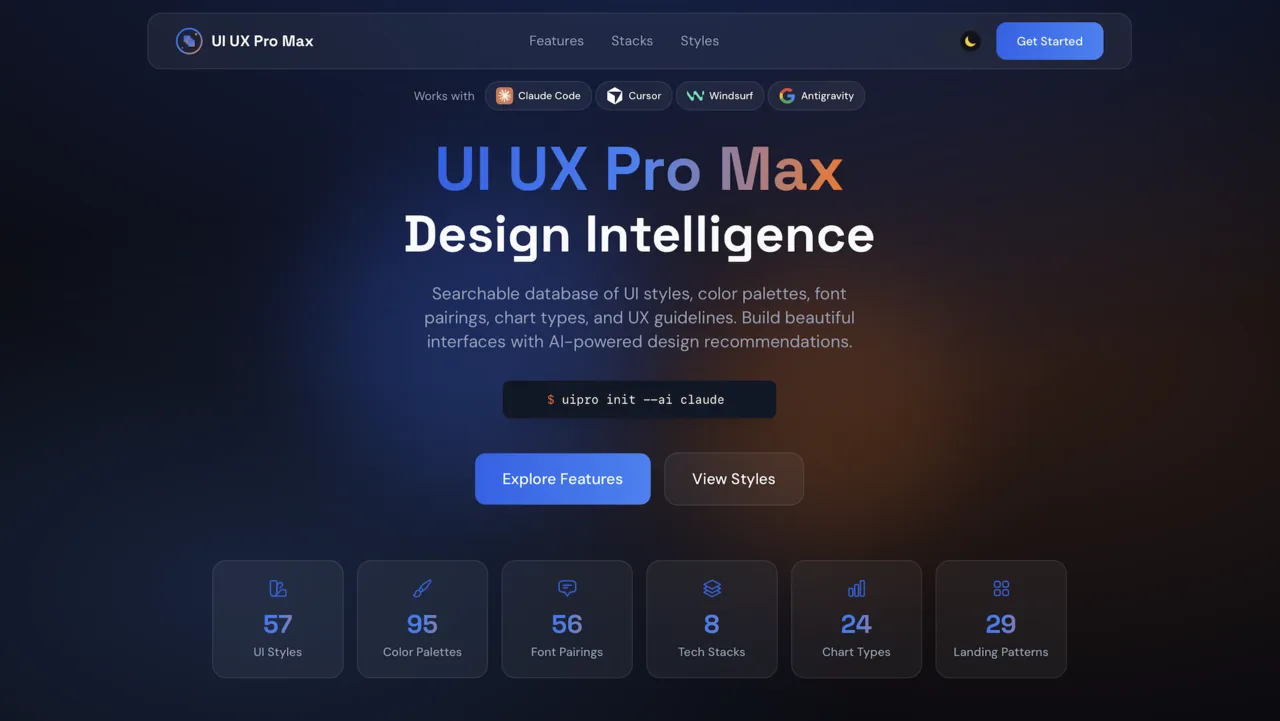
What it is
A unified design skill that routes tasks to sub-skills or built-in modules. Built-ins cover logo generation, corporate identity mockups, HTML slides, banners, social photos and SVG icons via Gemini scripts.
Comprehensive design skill: brand identity, design tokens, UI styling, logo generation (55 styles, Gemini AI), corporate identity program (50 deliverables, CIP mockups), HTML presentations (Chart.js), banner design (22 s
Why it matters for design
- Logo, identity mockups and deck all come from one brand input.
- Icons generate as SVG text, so they stay editable, not raster.
- Banner rules enforce safe zones, two fonts maximum and one CTA.
What it covers
- Sub-skill routing
- Logo design
- CIP design
- Slides
- Banner design
- Icon design
How to install
UI-UX Pro Max · Design
-
Clone the repo.
git clone https://github.com/nextlevelbuilder/ui-ux-pro-max-skill -
Point Codex at the skill file.
cli/assets/skills/design/SKILL.md -
Then describe the UI you want. Codex follows the skill.
How to run it with Codex
-
Export GEMINI_API_KEY and install google-genai and pillow first.
-
Run scripts/logo/search.py for a design brief, then generate.py for images.
-
Feed the logo into scripts/cip/generate.py to produce deliverable mockups.
Every plugin here is free, open source, and links to its real upstream source.
More on the codex-design list ↗More Codex design plugins
 Frontend & UI What it does gpt-taste Builds award-style landing pages with GSAP scroll motion and gapless bento grids.
  Design Systems What it does Stitch Design Taste Writes a DESIGN.md that steers Google Stitch toward non-generic screens.
  Frontend & UI What it does image-to-code Generates design images first, analyzes them, then builds matching frontend code.
 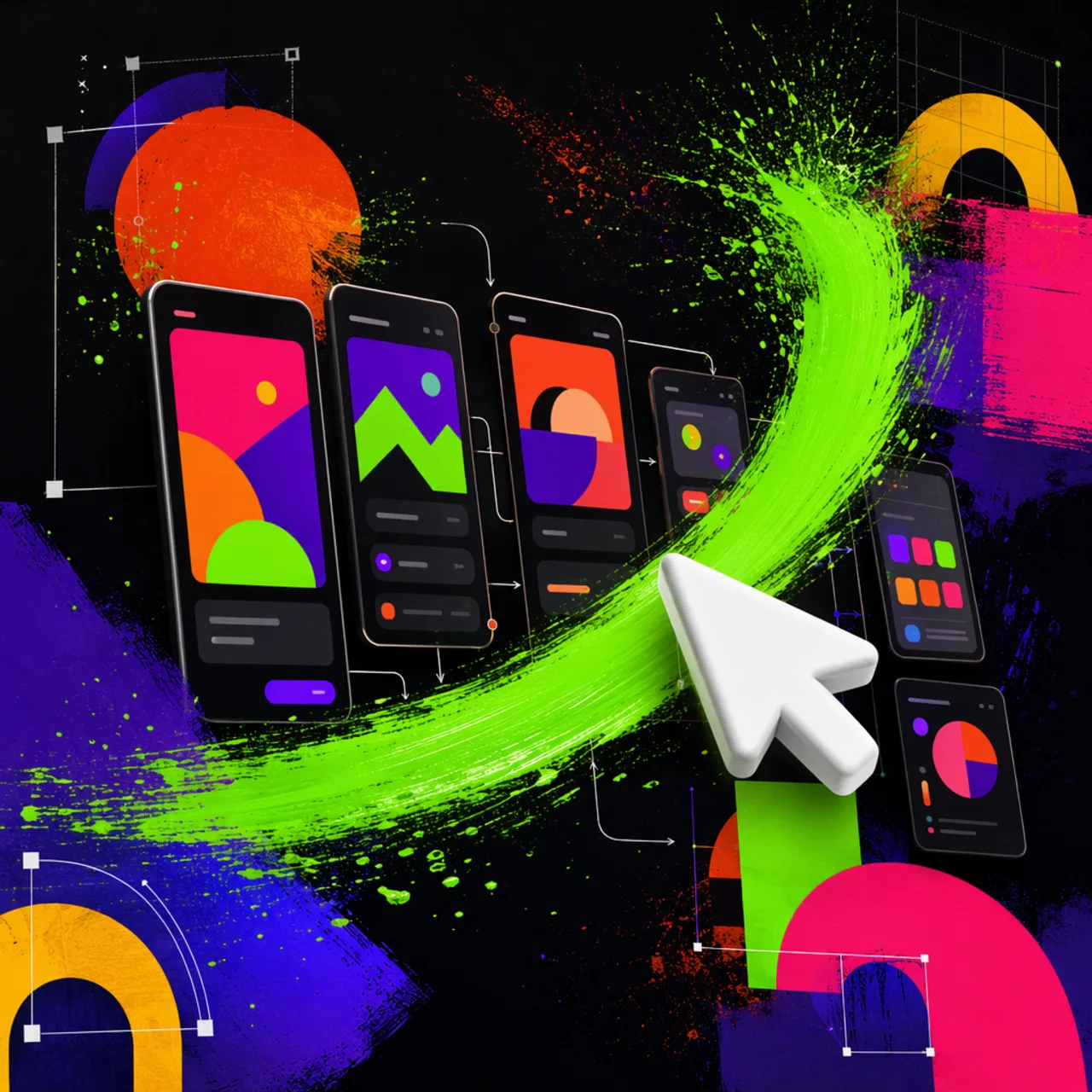 Frontend & UI What it does imagegen-frontend-mobile Generates premium mobile app screen flows as images, not code.
 Next step
Design with OpenDesign, without the setup
Install this plugin yourself, or run a whole curated design layer around Codex with OpenDesign. Bring your own key, own your output.